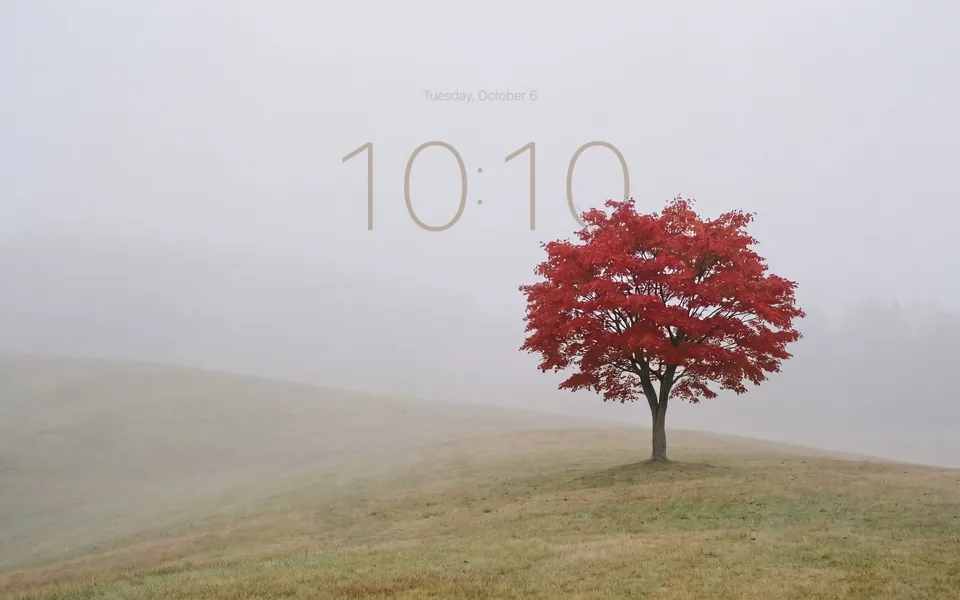
On your desktop, behind your windows. The time stays in view all day and never gets in the way.

Tid
On your desktop, behind your windows. The time stays in view all day and never gets in the way.
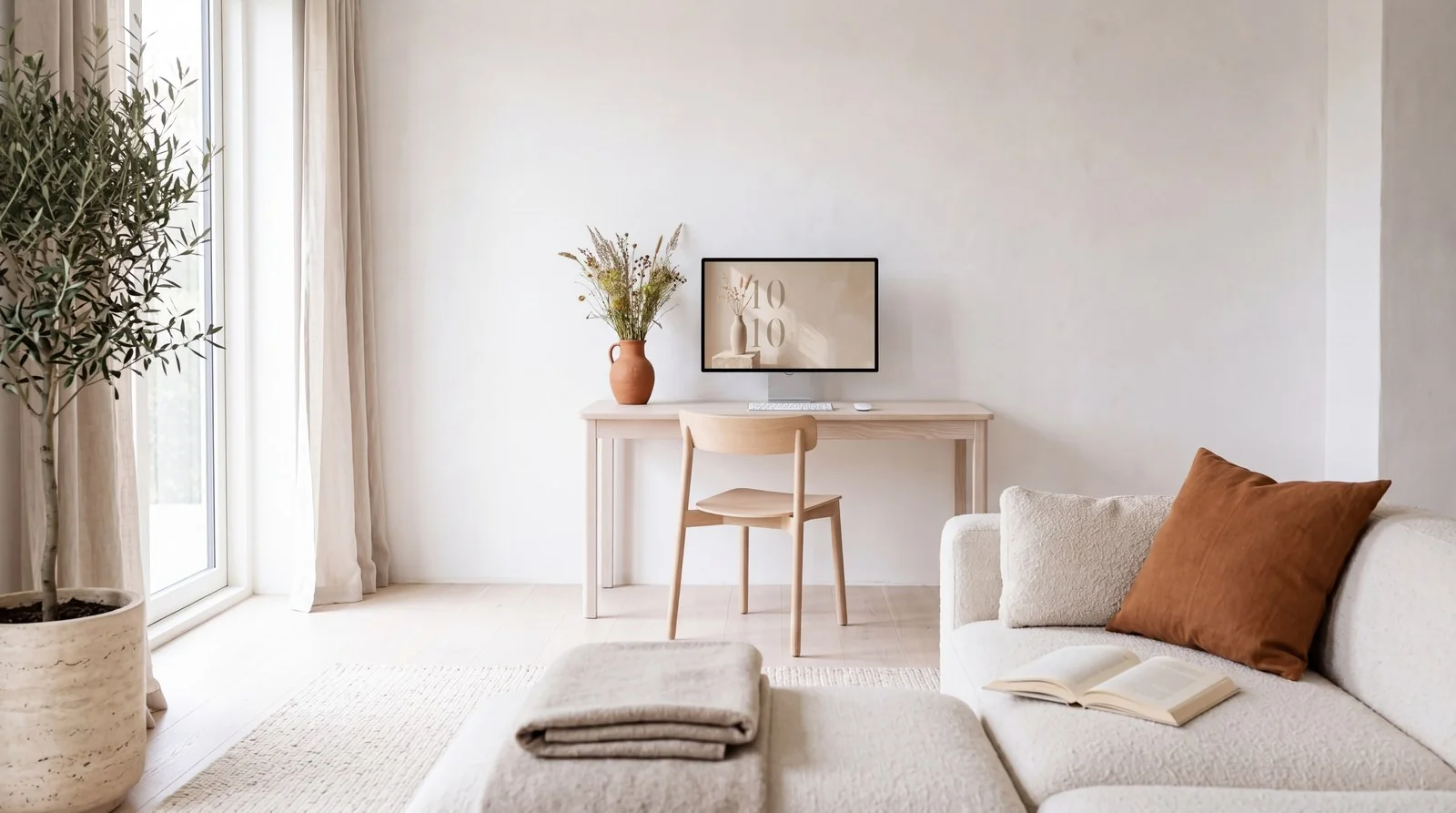
Step away, and your Mac becomes a clock. The same face fills the screen as your screen saver.
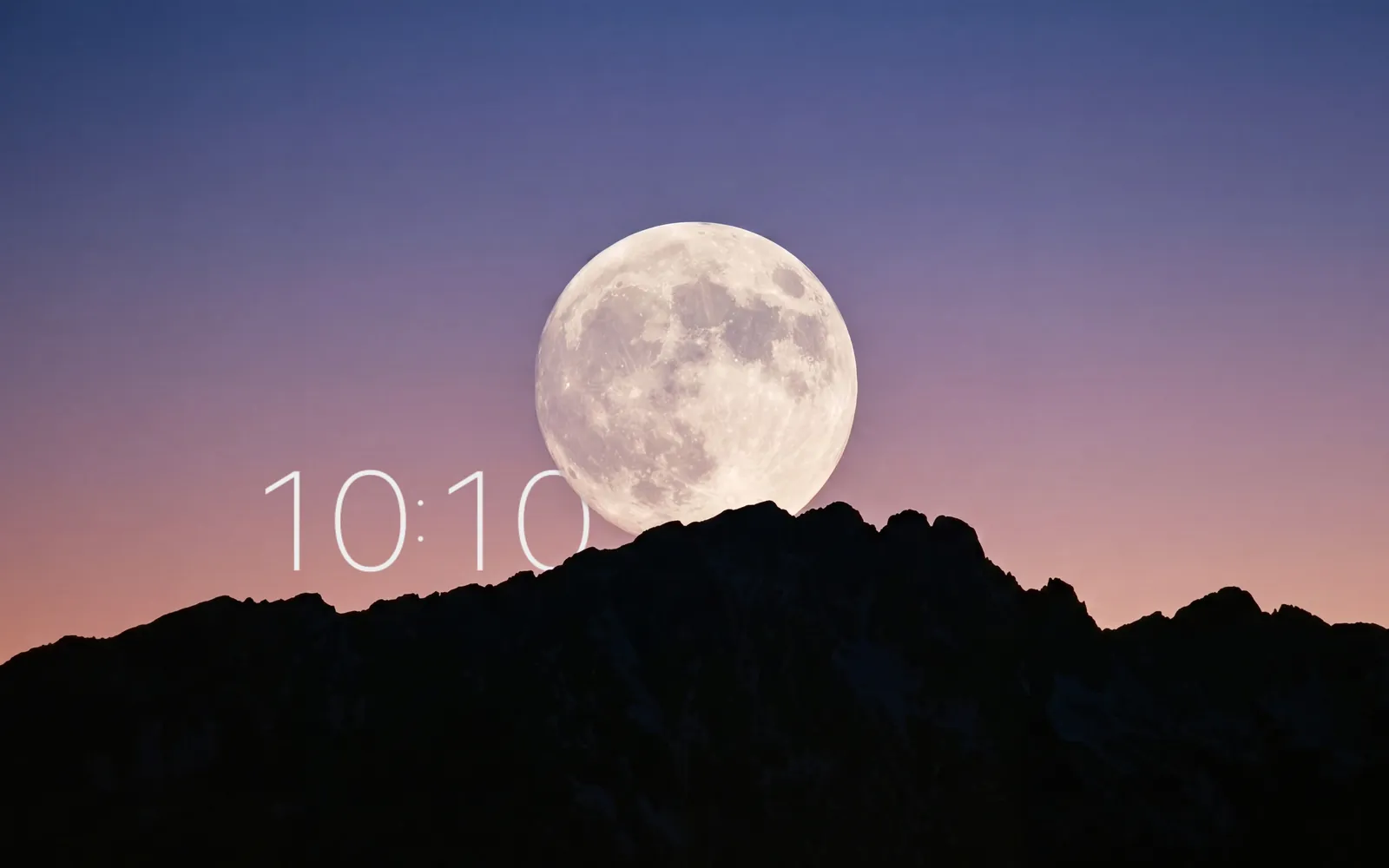
Time, with depth. Tid finds the subject in your picture and slips the time behind it.

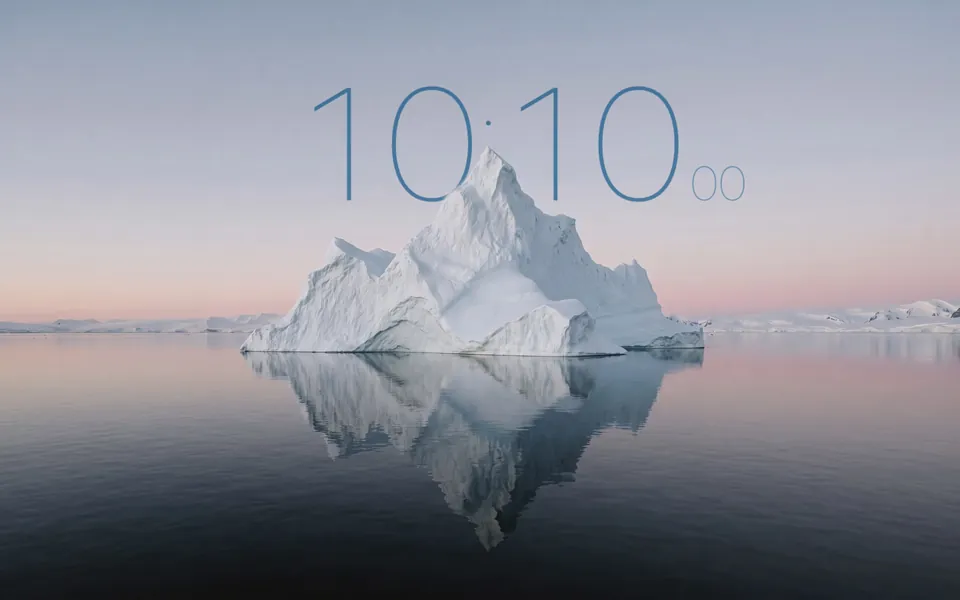
30 wallpapers, each with its own clock. Pick one and the whole look comes with it.
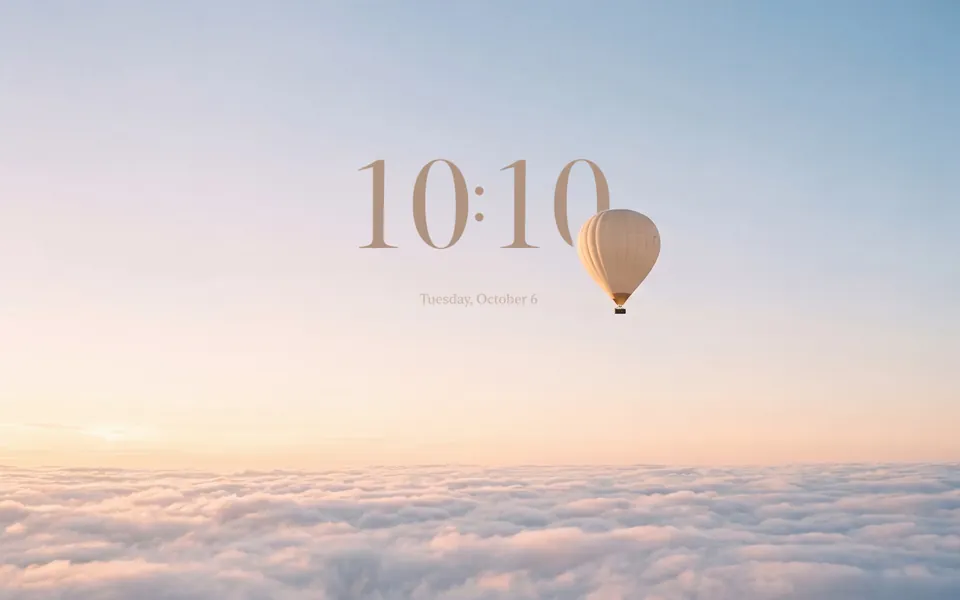


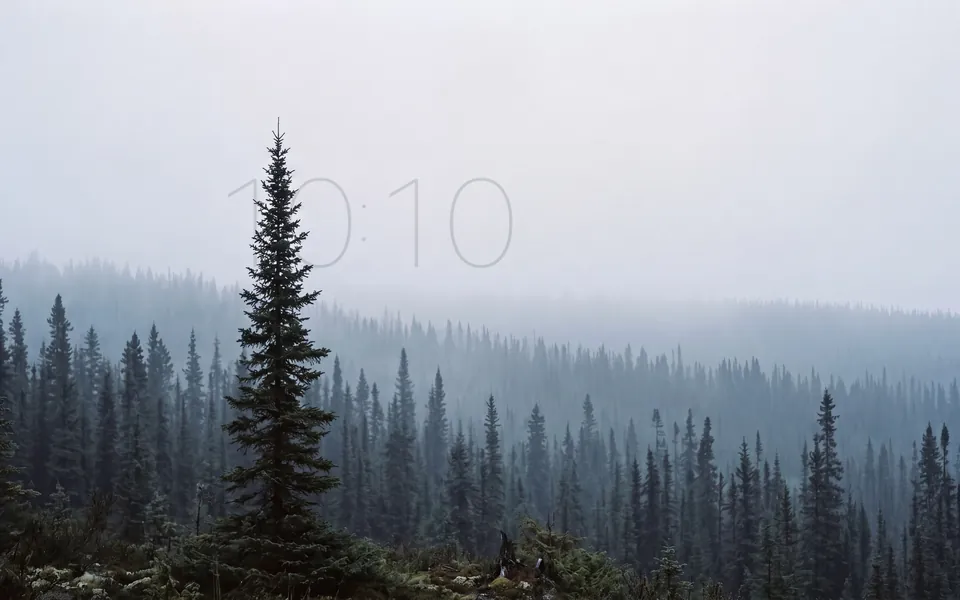
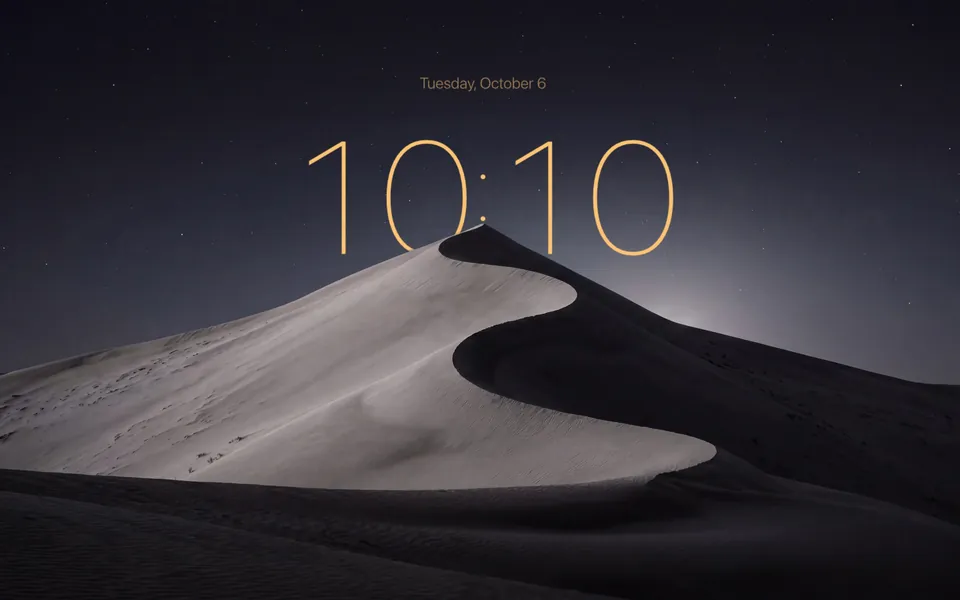
Warm and dim after hours. Choose the hours, and the ink turns warm for tired eyes.
Every display gets its own face. One clock for all of them, or a look for each.
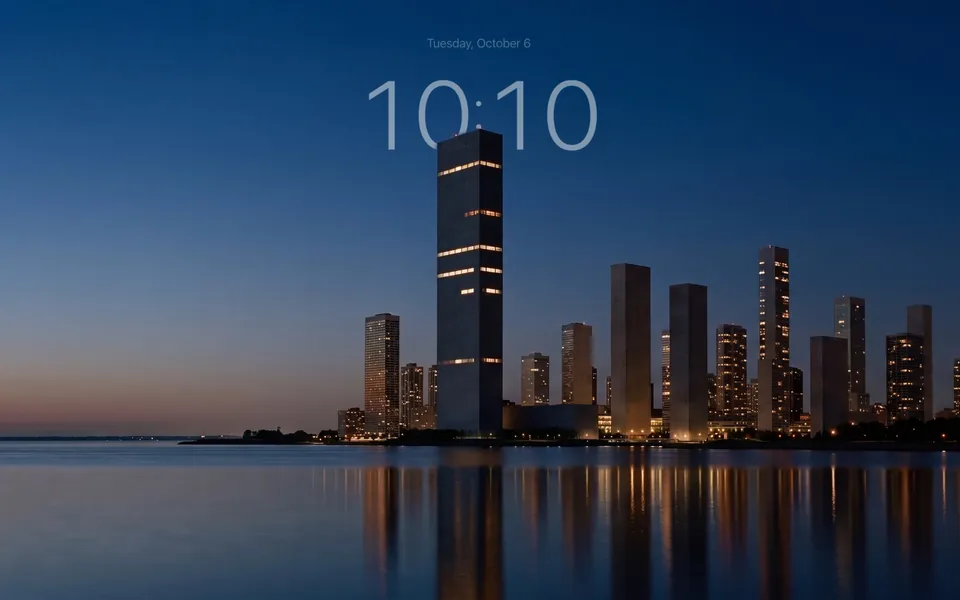
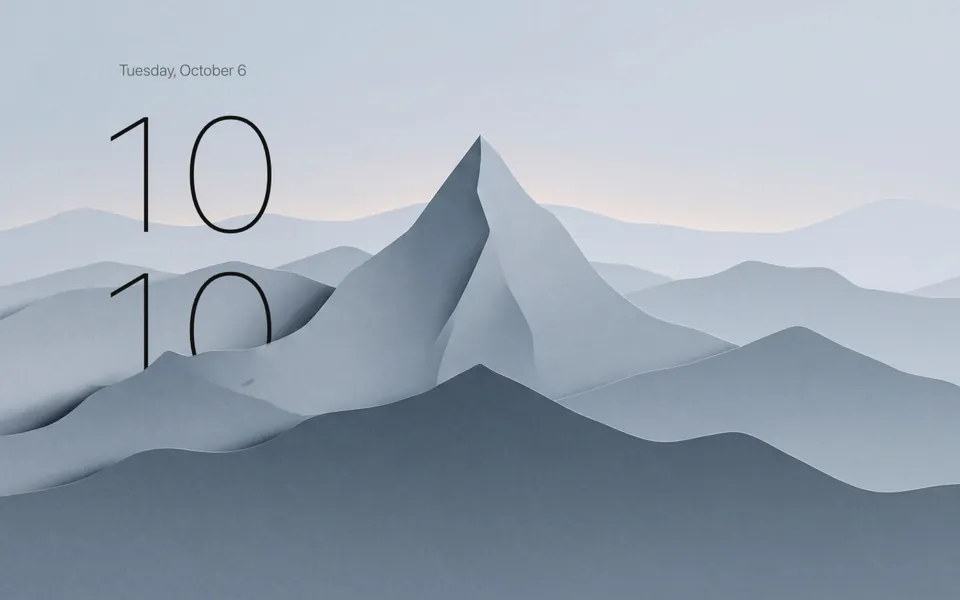
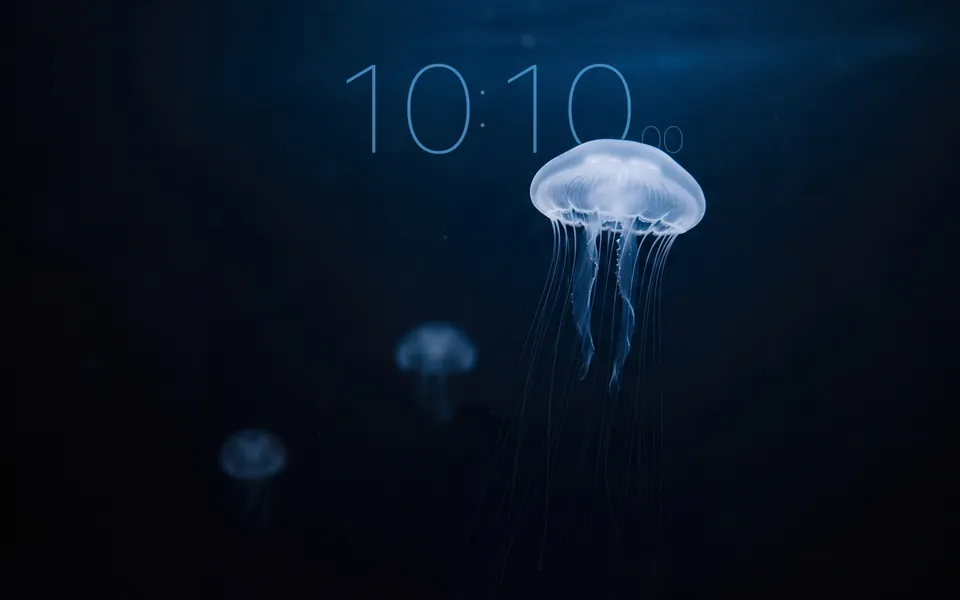
Introducing Tid, a clock that lives on your desktop and screen saver. It includes depth and sets the time just behind. Pick a look made for it, or make your own. It's free, private and light on your battery.
Set it in and make it , laid out , , with . At night, . For .
Tap a word to change it.
Tid also takes any font on your Mac and any colour you pick.
One face, from your first window to lights out. Scroll, and you'll watch a day go by.
On your desktop. Your windows go over the time, and it's there whenever you glance past them. Drag it wherever it looks best.
In your screen saver. Step away and the same face fills the screen. Come back and it's your desktop again.
After hours. Some wallpapers pass through dusk into night as the sun sets. At the hours you choose, the ink turns warm and dims, on the desktop and the screen saver.
30 wallpapers in 5K made for Tid and to give you inspiration. Pick one and the whole look comes with it, ready to make your own. Five of them follow the sun, through dusk into night.
Tid studies your wallpaper on your Mac and works out what's near and what's far. Your picture never leaves your Mac.
The stag stays in front and the time sits just behind it, the way your iPhone's Lock Screen does it. Now on your Mac, on the desktop and in the screen saver.
Drag the time and Tid finds its place again, on our wallpapers and on yours.
Drag the time around the picture.
Glance up, and you know the time. Big, calm figures you can read from across the room turn the Mac on your desk into the clock on your wall.
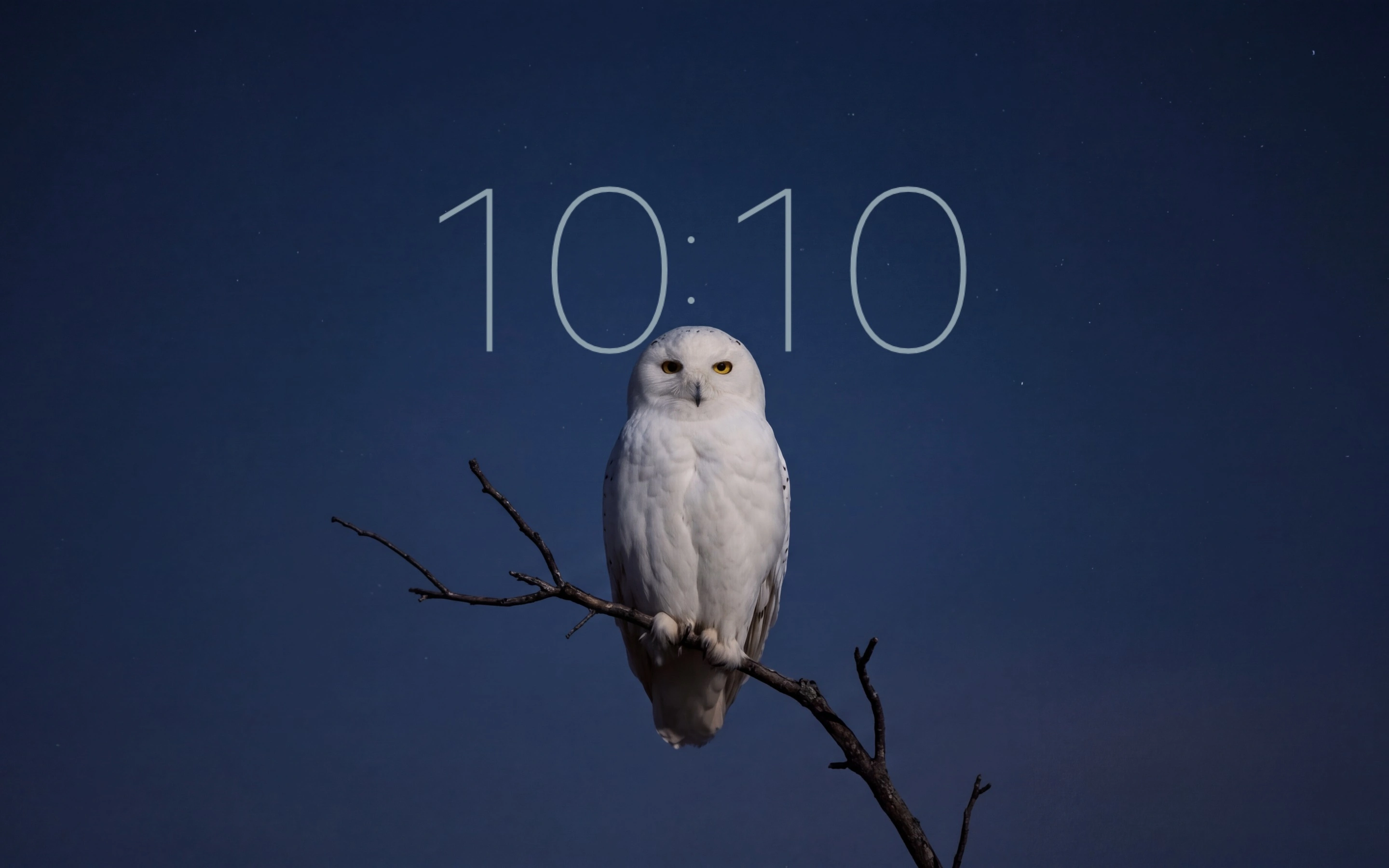
A cut made for each picture keeps fine edges like feathers and antlers crisp in front of the time.
Figures set the way macOS sets them. Each digit keeps its own width and the colon sits a touch smaller, so the time reads as one calm shape.
0%
CPU while your windows cover the clock.1 It redraws when the time changes, not sixty times a second.
Private
Your Mac, your business.
No account, no tracking. Tid goes online only for updates and the wallpapers you pick.
30
wallpapers, each with its own clock.
10
languages, from Deutsch to 日本語.
Every display.
Each one keeps its own face and picture.
Open it once.
It adds itself to your screen savers and comes back at login.
Free.
No trial, no subscription. Updates arrive on their own.

Free for Mac. Open it once and it's in both places.
macOS 27 or later